The toolkit
Every AI content job, one credit meter
Write, illustrate, speak, and publish without collecting a stack of single-purpose apps.
Start for free. No credit card required.
70+
Ready templates
1
Shared credit meter
4
Add-ons when you need them
Write
Templates, articles, and code in one draft pile
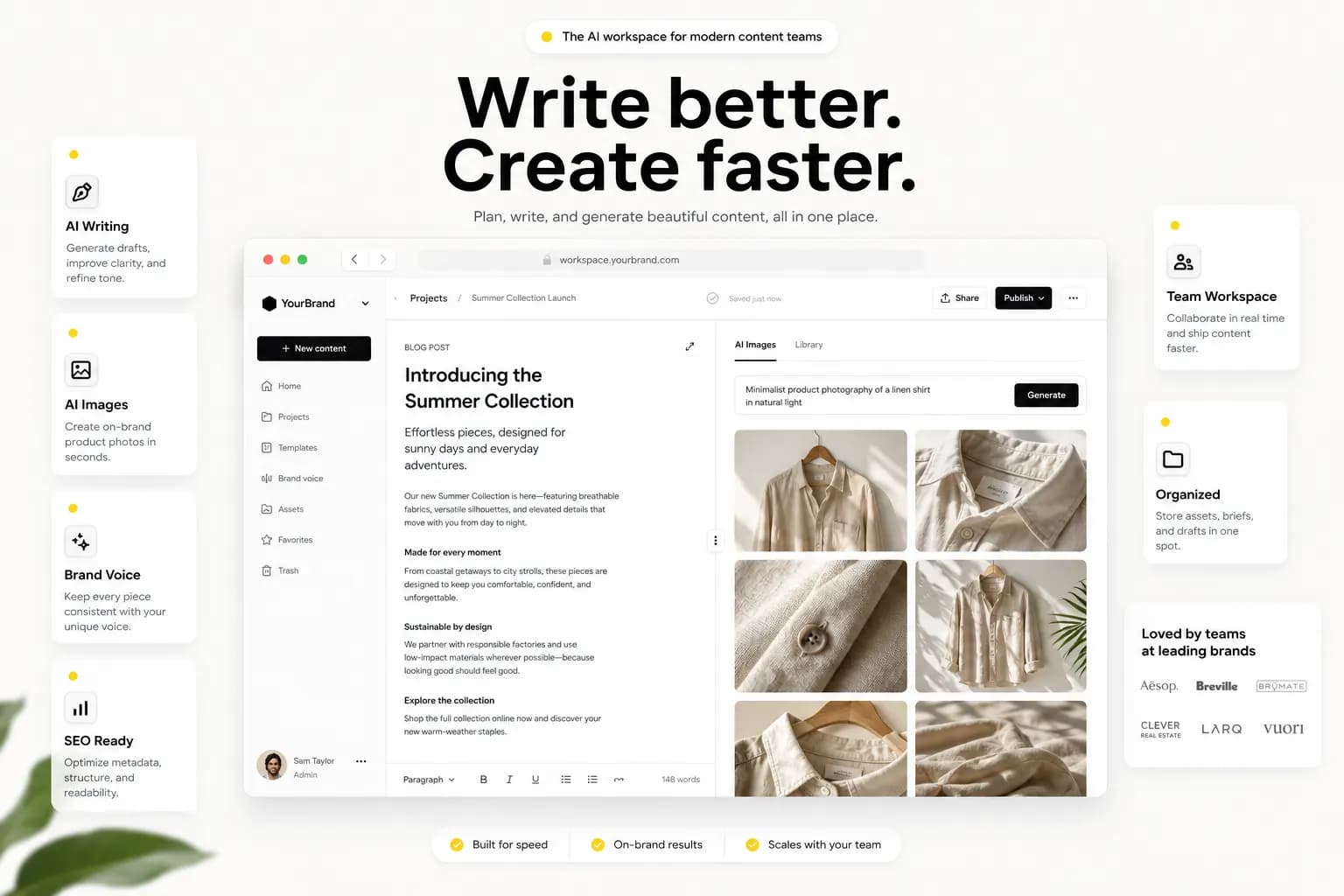
Start from 70+ templates or a blank article. Stream copy, rewrites, and snippets in the language you pick. History and folders keep the brief next to the job that created it.
70+ templates
Ads, emails, briefs, and social copy from a prompt.
Long articles
Outline first, then write. Edit the draft before you ship.
Code helpers
Snippets and explanations streamed beside the rest of your work.
Quality checks
Plagiarism and AI-detector reports when a client asks.

Show
Stills, studio edits, and video in one gallery
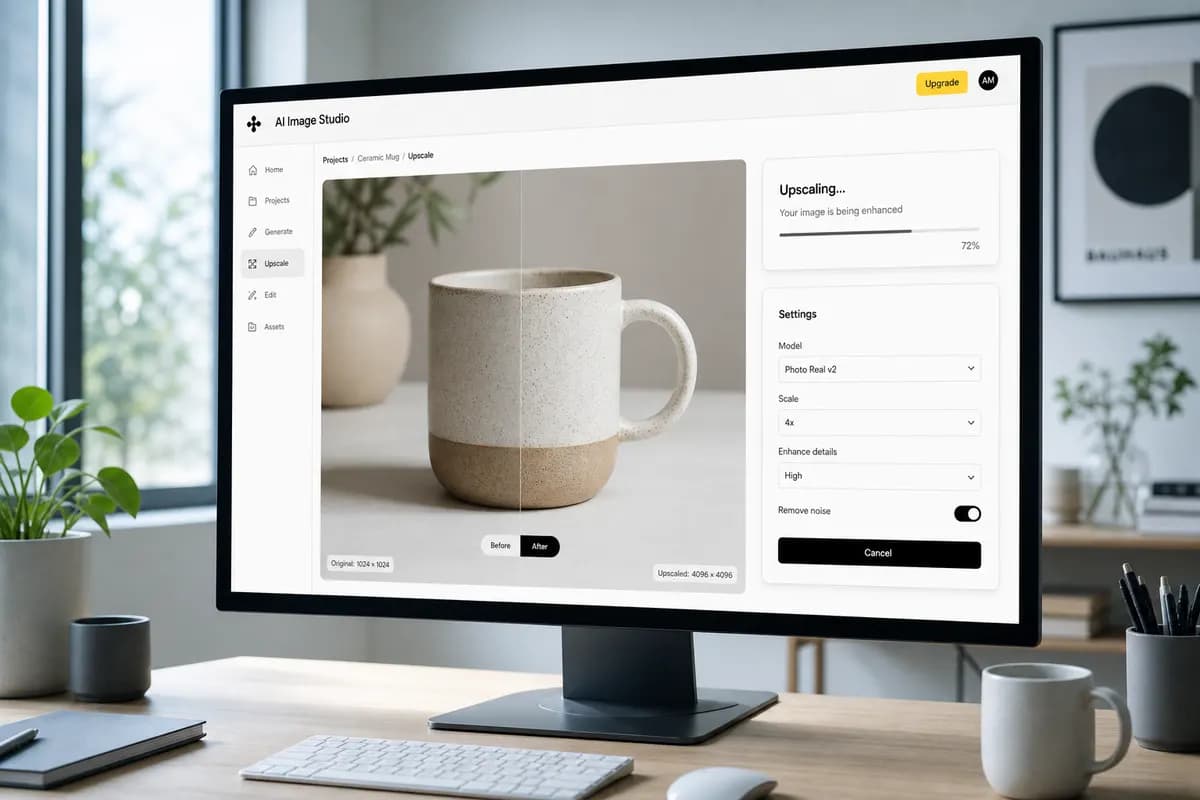
Generate product shots and campaign art, then clean them up in studio. Queue text-to-video from a script. Finished files land in the gallery so you can reuse them in posts and pages.
Still images
Square, portrait, or landscape — saved to the gallery.
Product photography
Pack shots and lifestyle frames from a prompt.
Image studio
Upscale, replace backgrounds, and clean up without leaving.
Text to video
Queue a clip, then drop it into social or a landing page.
Speak
Scripts that can be heard, not only read
Turn a script into speech, clone a voice when you have a sample, or transcribe an upload. Audio sits with the rest of the workspace media so a voiceover is as easy to find as a still.
Voiceover
Read a script in a default voice, or one you cloned.
Voice clone
Upload a sample when you need the same speaker again.
Transcription
Drop in audio or video and get a transcript back.

Talk
Personas, documents, and a bot you can embed
Talk through a brief with a persona that remembers the thread. Ground answers on a file or a URL. Train a chatbot on real embeddings and drop the widget on your site.
Chat personas
A model that stays in character for the job.
Document and web chat
Ask a PDF or a URL instead of pasting it into a prompt.
Vision
Upload a still and get alt text, captions, or a read.
Site chatbots
Train, test, and embed. Not a hash pretending to be RAG.

Ship
Social, pages, and campaigns from the same login
Compose for connected networks, drag a public landing page, and send campaigns on a schedule. Affiliate and team seats sit beside billing so growth is not a separate product.
Social suites
Draft, schedule, and reply without exporting a CSV.
Page builder
Blocks on a canvas, published on your public slug.
Campaigns
Email, Telegram, or WhatsApp when the calendar says go.
Influencer jobs
Queue shorts and avatars when the brief needs a face.

Workspace
The parts that hold the work together
Credits, folders, seats, and keys so a draft is not a one-off in someone else’s chat window.
Shared credits
Writing, images, video, voice, and chat draw from one meter.
Folders and history
Drafts stay next to the job, not in a random downloads folder.
Gallery
Stills, clips, and audio in one place you can reuse.
Team seats
Invite people, restrict tools, meter against the owner’s pool.
Your own keys
Bring a provider key when the plan allows BYOK.
Reports and export
See usage, download your data, leave with your files.
Add-ons
Unlock a tool without changing the plan
Video, chatbots, voice clone, and the page builder can sit behind add-ons. Spend credits when the brief needs them.
Video
Unlock text-to-video when a plan does not include it.
Chatbots
Train and embed a bot without changing the whole workspace.
Page builder
Publish landing pages from the canvas when you need a slug.
Voice clone
Keep a speaker on file for the next script.
How to create in three steps
Pick the job
A template, a studio tool, a persona, or a page — whatever matches the output.
Spend credits
Every run meters against the shared pool. Add a pack or an add-on if you run low.
File and ship
Folders, gallery, social, or an embedded bot. The draft stays on the account.
Plans that stay out of the way
Shared credit pools. Enable tools per plan. Buy packs anytime.
Questions about the toolkit
Straight answers about tools, credits, and the workspace.
What is eContent Manager?
eContent Manager is an AI content workspace for writing, images, video, voiceovers, chatbots, and social posts. Work is billed from one shared credit pool.
What are credits?
Credits are the shared meter for every AI tool. Each plan grants a pool each billing cycle. Packs add more without changing the plan.
Do I need my own API keys?
No. Platform keys are configured by the admin. Business plans can optionally attach personal (BYOK) keys.
Which models are available?
DigitalOcean Inference is the default when a Gradient key is set. You can also use OpenAI, Gemini, Anthropic, Grok, Fal, and ElevenLabs. Demo mode works without keys on a local machine.
This is what ready feels like.
Create an account and generate your first draft in minutes.
Get started